🌟 Introduction
For a long time I ran the Global ROM on this tablet to keep my productivity device free of the bloatware and system-wide ads baked into the China ROM, and to keep the interface clean and uncluttered.
Over time, though, I found that even the Global ROM still carried Lenovo components deeply integrated into the system — the built-in Xiaotian AI assistant, persistent ZUI background services and the like. Lenovo’s update cadence for this tablet was painfully slow as well: not just feature drops, but security patches that lagged far behind, especially given the recent run of high-severity privilege-escalation CVEs.
When LineageOS 24.0, based on Android 17, landed in mid-October, I started thinking about porting an AOSP-based ROM to my own device. Working in my spare time over the better part of a month, and standing on the shoulders of those who had gone before, I turned the idea into reality step by step: from a device that would not boot to a working home screen, from stuttering to smooth performance, and then towards an almost complete stock feature set.
I have to say that AI tools pushed development speed to a level I had never experienced before. With a bit of foundational knowledge and the right way of directing the AI, the scope of that collaboration scales enormously. As someone now working full-time, AI let me accomplish in a short stretch what would have taken me six months or even a year back at university.
As of publication, most of the bugs have been squashed and the ROM is stable enough for daily use, so it is time for a proper release write-up. The project has three parts:
- DerpFest (Android 17) — an AOSP-based ROM with a Pixel-like experience, bundled GMS and extensive customisation options. It is also my daily driver.
- OrangeFox Recovery — a fully functional custom recovery with working decryption, partition mounting and MTP. Indispensable for rescuing a broken system, and a boon for tinkering.
- Optimistic kernel — a custom kernel based on the Android
android14-6.1GKI, adding advanced features and squeezing out every bit of performance.
Finally, my thanks to the Coolapk users who kept testing and sending feedback in the early days; they are the reason this build is as polished as it is. I intend to keep maintaining and updating the ROM, with the eventual goal of keeping the tablet current with Android features and security patches even after Lenovo stops supporting it.
🦉 DerpFest v17 ROM
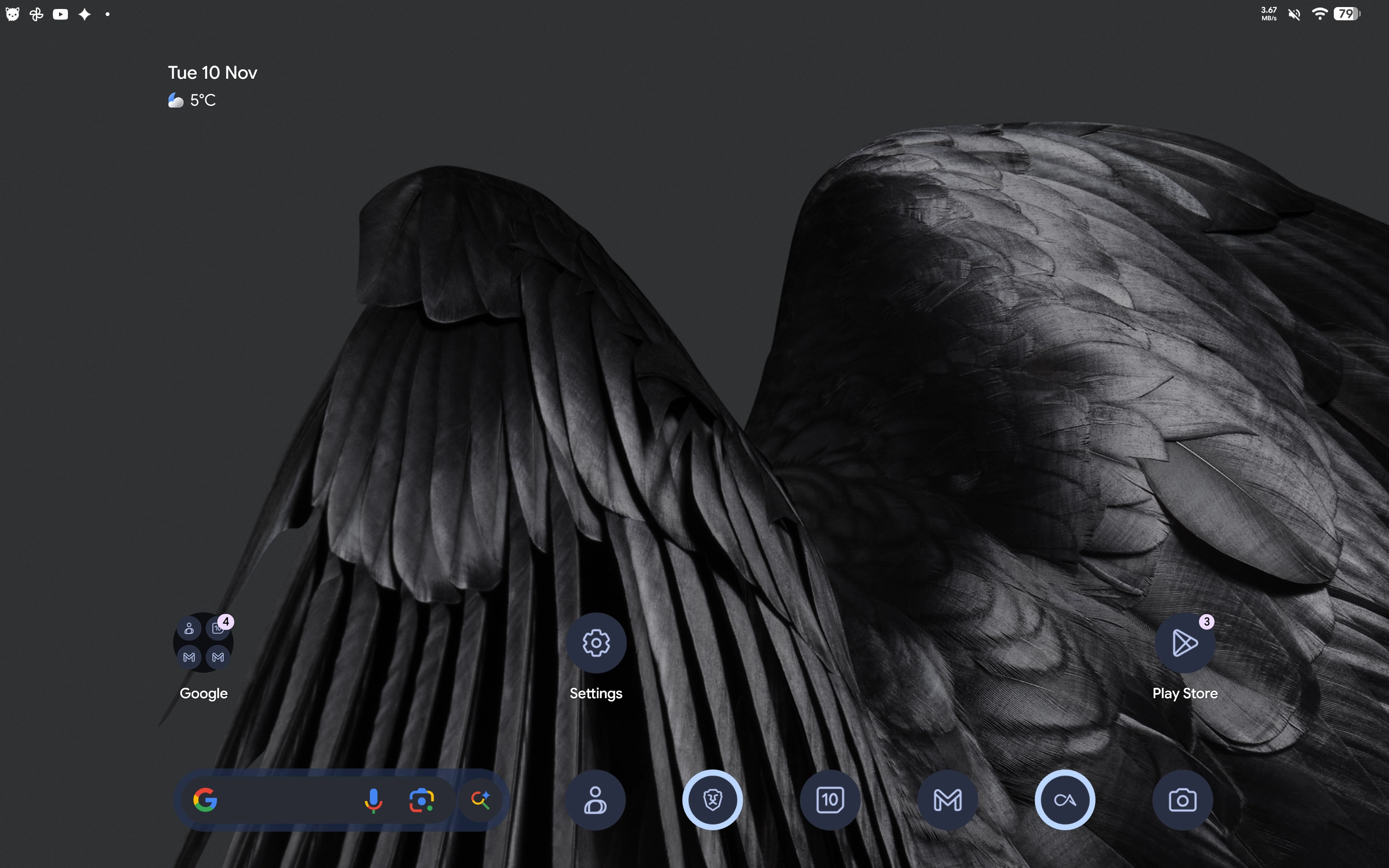
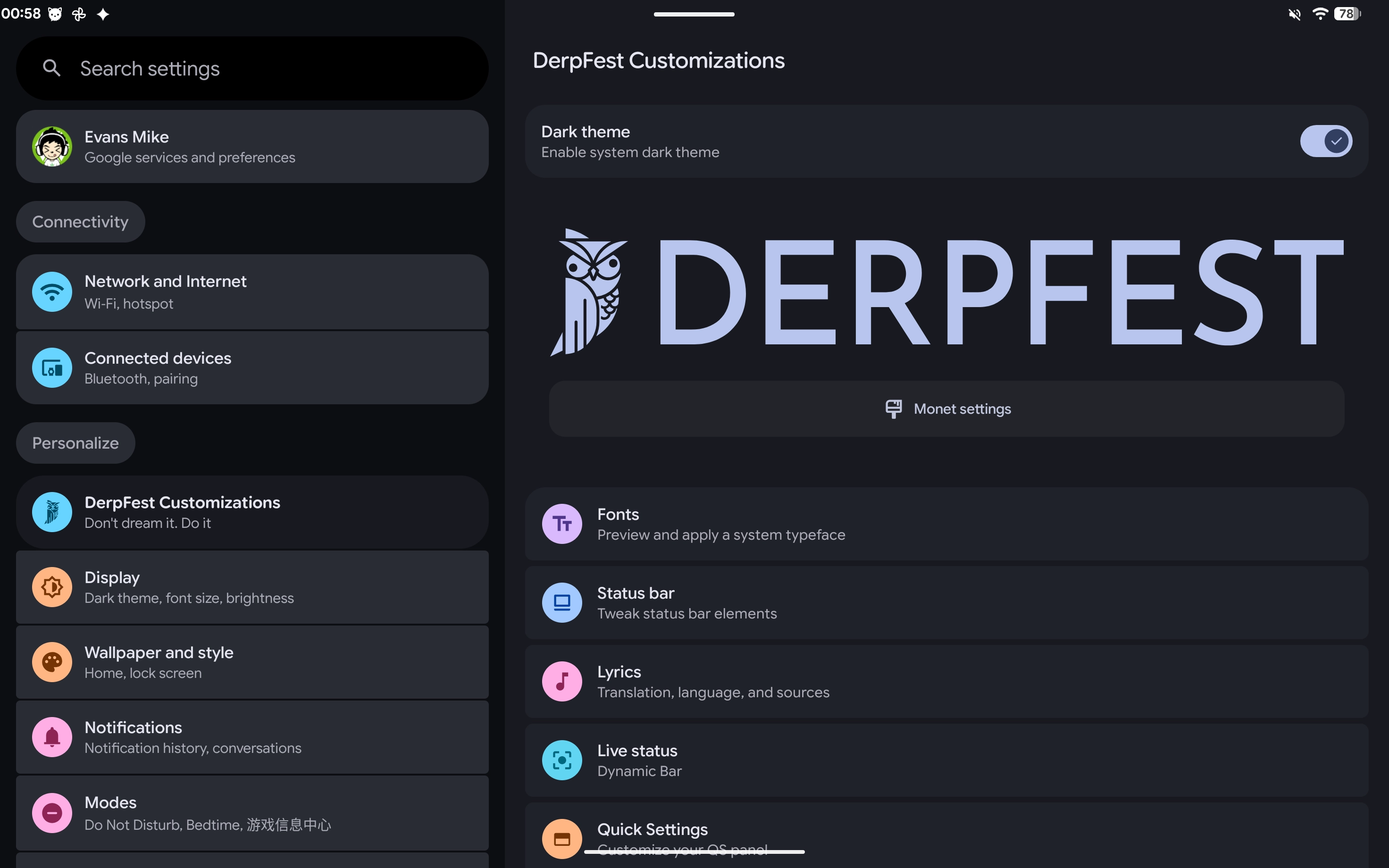
DerpFest is an AOSP-based custom ROM I am particularly fond of. It stays close to Pixel design while keeping its own identity, balancing battery life and stability with a rich set of customisation options. The team is responsive too, shipping features and bug fixes promptly.
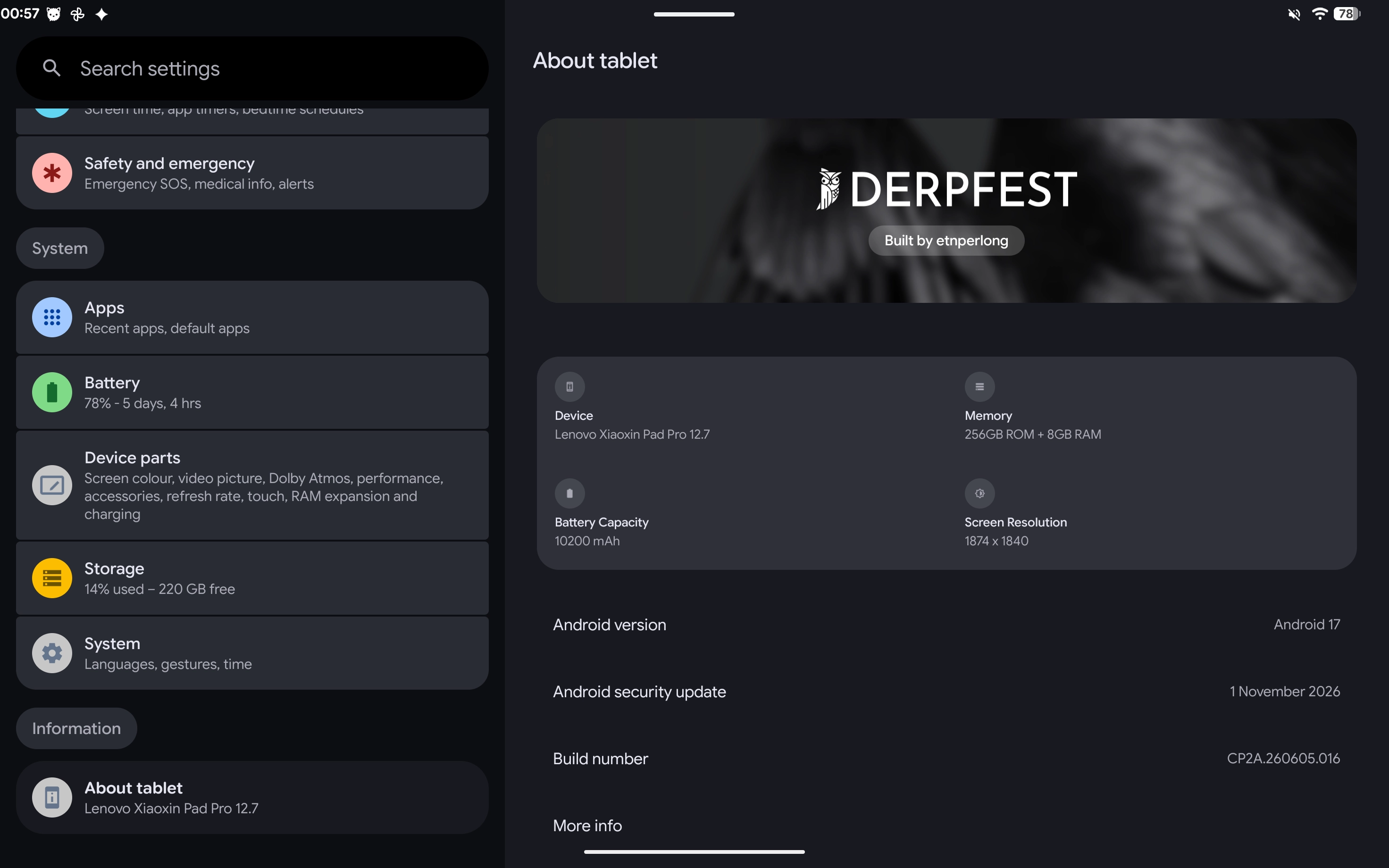
This build is DerpFest v17, based on the stable Android 17 QPR1 release.
With it installed, the Lenovo Xiaoxin tablet effectively becomes a “Google Tablet”: a stock-Android look, no bundled extras or Lenovo preloads, and a basic GMS package in their place. At the same time it keeps the device-specific features — support for the official stylus and other accessories, hardware-level colour tuning, surround sound — with as little left behind as possible.
Hardware Support
- Boot, lock screen, fingerprint and face unlock
- 2K 144 Hz display with adaptive refresh rate
- Wi-Fi 6E and Bluetooth (A2DP and other HD audio, LE Audio unicast and Auracast broadcast)
- Official stylus and magnetic keyboard
- Folio cover: sleep on close, wake on open
- Concurrent 2.4 GHz / 5 GHz dual-band hotspot and USB Ethernet
Device-Specific Features
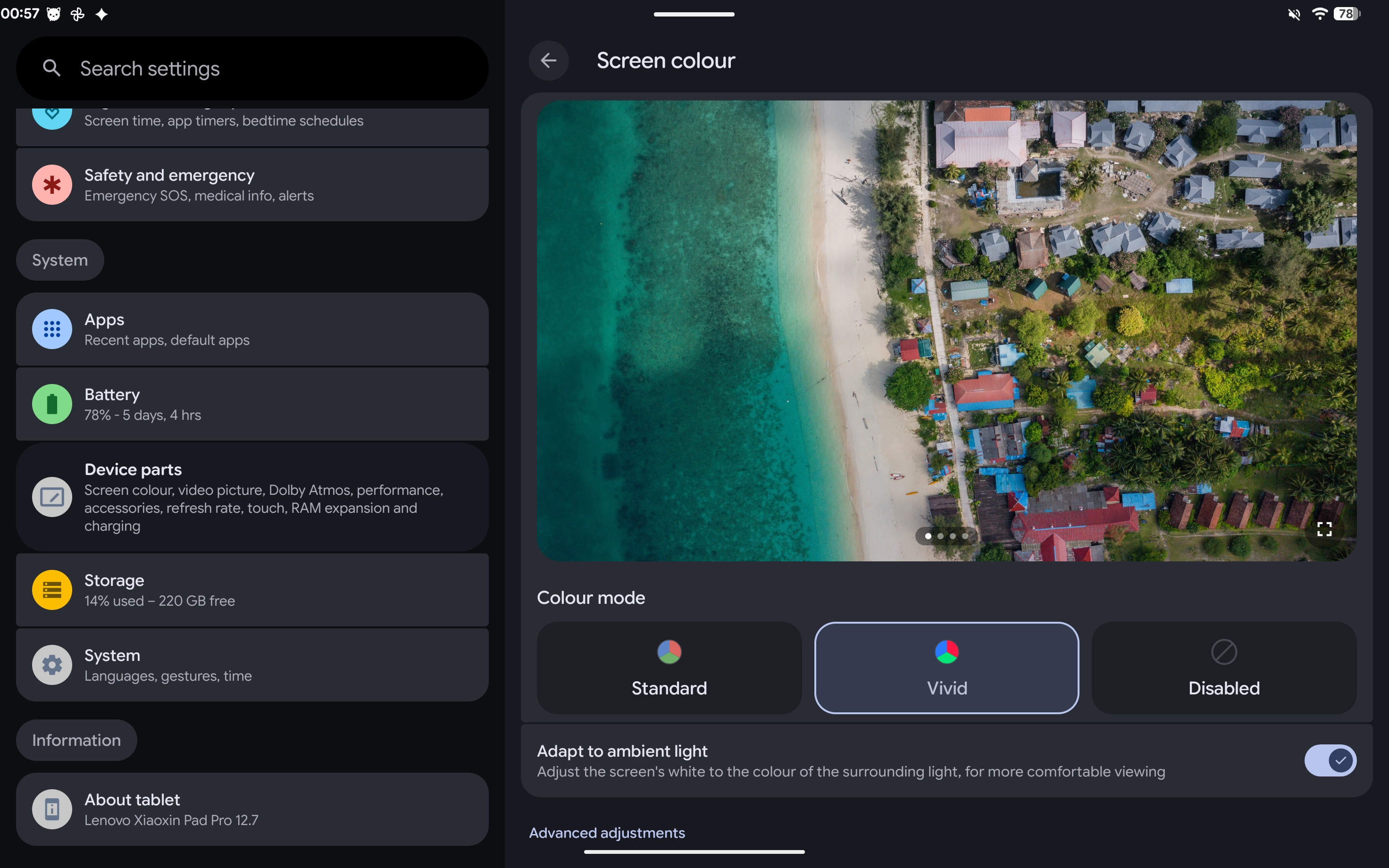
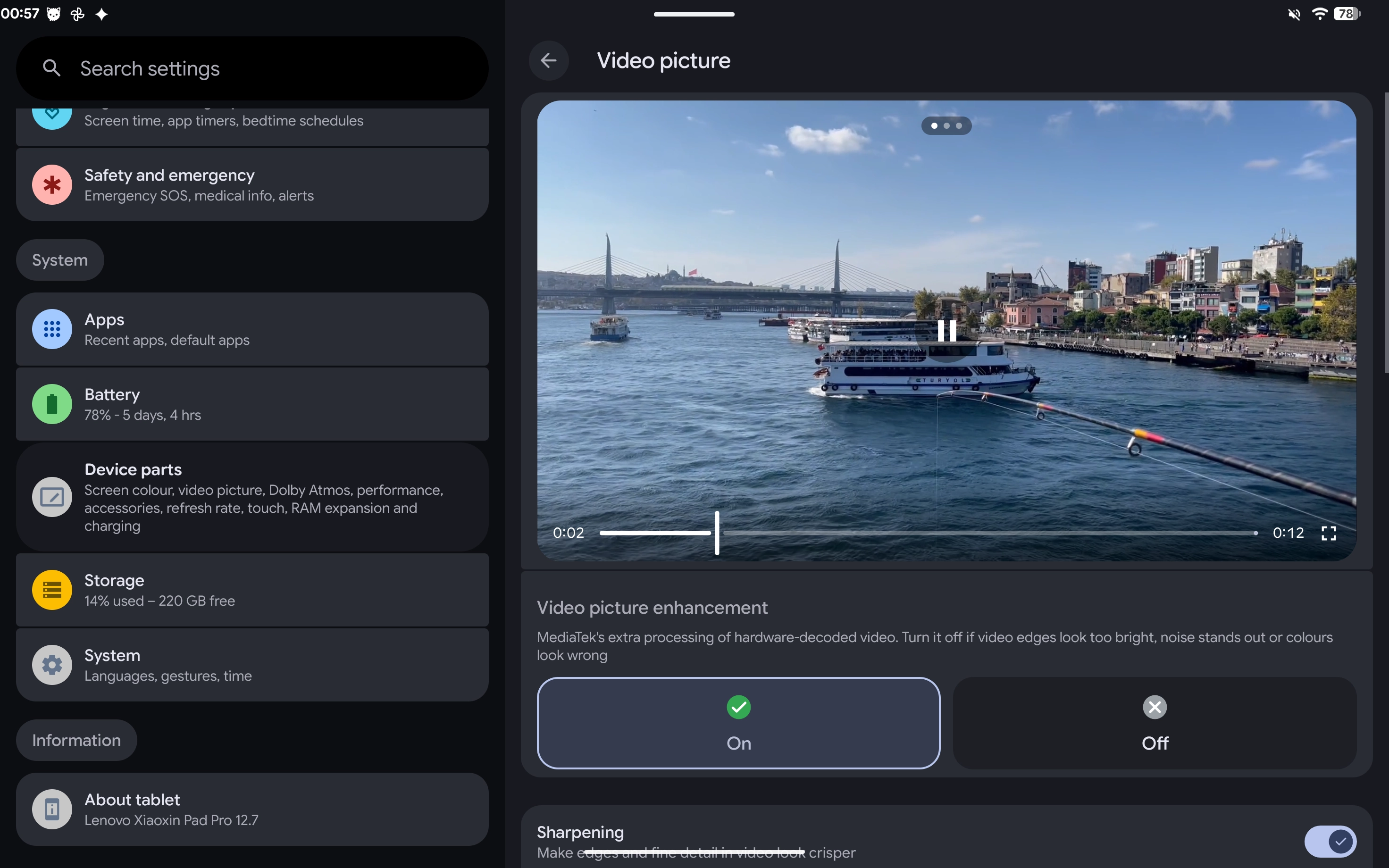
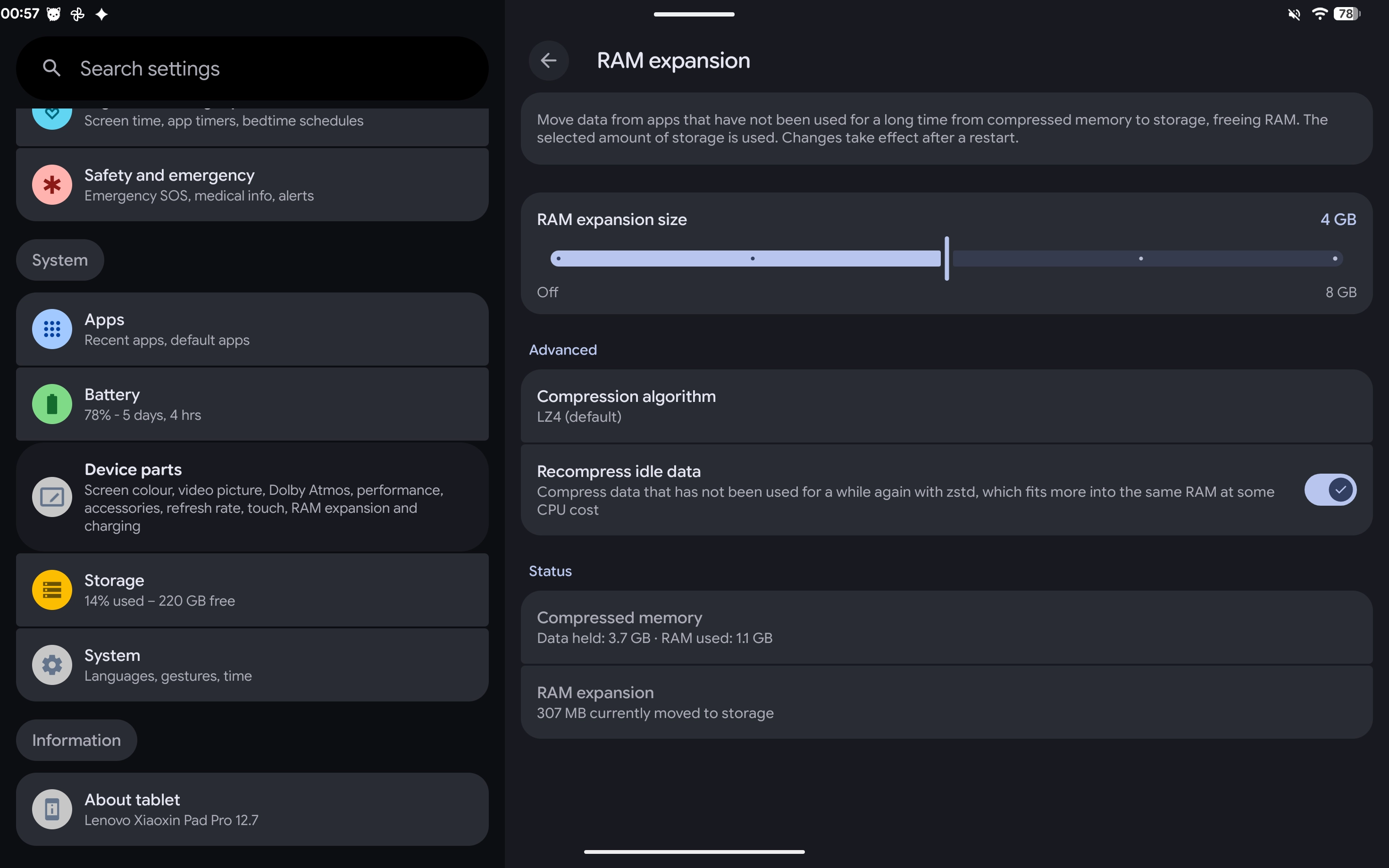
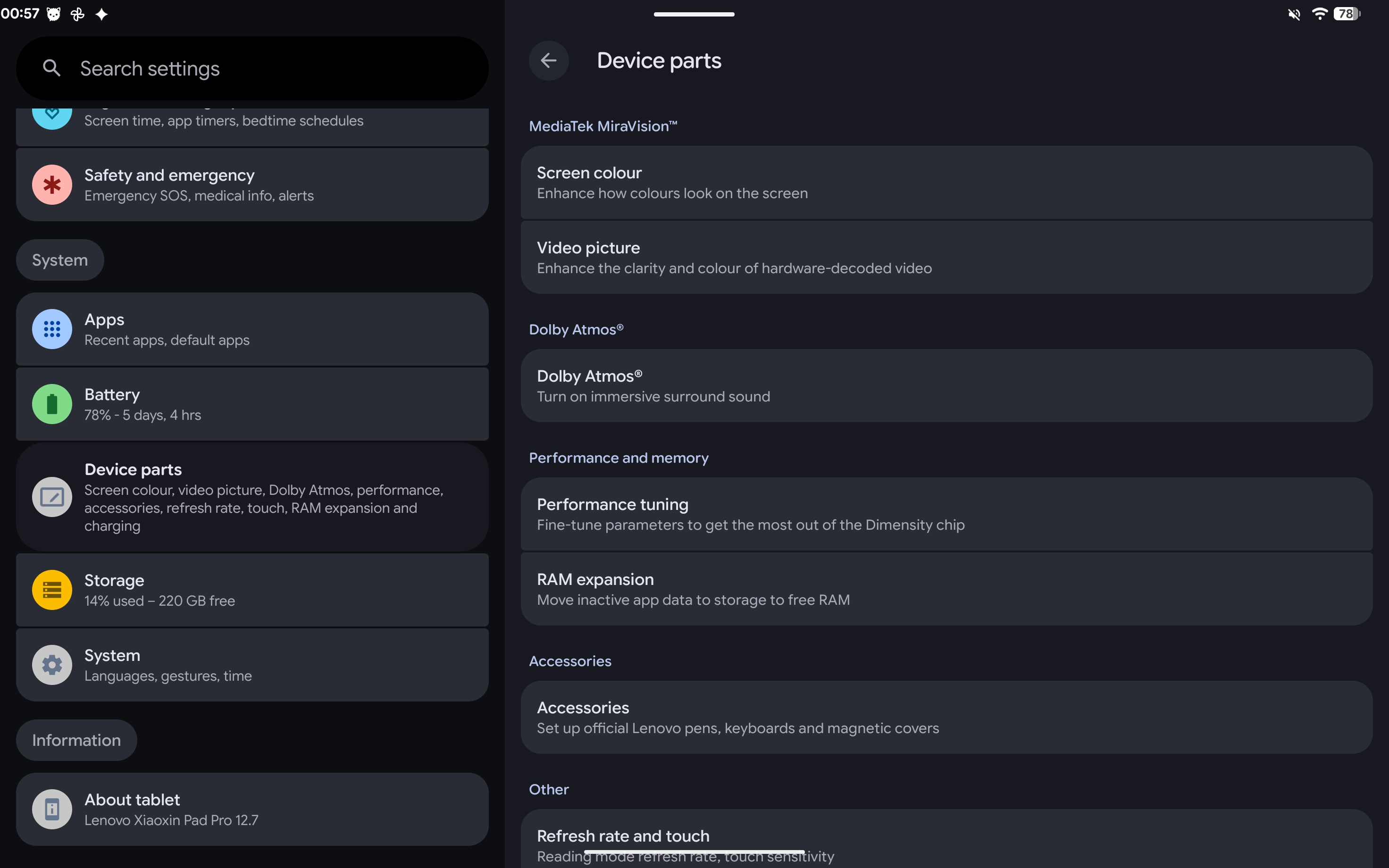
The MediaTek-dependent capabilities of the stock ZUXOS ROM usually disappear entirely on an AOSP-based ROM. I therefore rebuilt the Device features settings page, porting them back one by one and improving on the stock implementation. You will find the corresponding options under Settings → Device features.
- Display colours: restores the stock display colour controls through the device’s MediaTek picture-quality service, with Standard / Vivid modes and ambient-light-based adaptive colour.
- Video enhancement: MediaTek display-hardware post-processing for hardware-decoded video, with a master toggle plus individual controls for sharpening, dynamic sharpening, noise-adaptive sharpening, super resolution, dynamic contrast and colour enhancement.
- Dolby Atmos: enabled system-wide by default, with mode selection and a custom equaliser.
- Dimensity performance tuning: app-launch, scrolling and game-loading boosts, with per-app performance profiles.
- Touch sensitivity: three levels — palm rejection (low), standard (medium) and high responsiveness (high) — improving touch response through hardware controls.
- Memory expansion: better than stock. ZRAM uses AOSP’s
mmdscheme, with selectable compression algorithms and several capacity tiers; recompression while idle further reduces the virtual-memory footprint. - Hardware-level battery health: uses the stock hardware-backed implementation, with a charge limit (charging resumes at 76% when the cap is set to 80%) and scheduled charging (automatic / next alarm / custom schedule). Includes bypass charging while gaming and high-temperature charging protection to slow battery wear.
- Official accessory integration: manage the official stylus, keyboard and folio cover together under Connected devices.
Screenshots
Download & Installation
First Installation
For the initial flash, download the SP Flash Tool V6 (SPFT) flash package from my cloud drive.
Download: DerpFest-v17-20261108-TB375FC-SPFT.7z
You must unlock the bootloader before flashing this ROM. See the earlier guide for unlocking and flashing instructions. The procedure is largely the same as for the Global ROM, but you can now safely flash the lk and dtbo partitions as well.
A full SPFT package is not published for every release. You can flash an older build first and then update over OTA.
Subsequent Updates
Later updates arrive automatically through the System update module in Settings, or you can grab the latest build manually from either of these download endpoints:
A multi-threaded download tool can help improve download speeds.
Release History
| Version | Highlights |
|---|---|
| 20261024 | First Community build: Android 17 (API level 37), security patch level 2026-10-01 |
| 20261027 | Frame-drop mitigation; stylus / folio keyboard fixes; switched to an official GKI kernel build; integrated a self-hosted OTA feed |
| 20261101 | Major release: synced the underlying firmware base to ZUXOS 1.5.10.123 (P34); reworked Device features (MiraVision, video enhancement, memory expansion, touch, accessories); restored 32-bit app support; GED KPI / ADPF smoothness improvements; bundled OrangeFox R12 |
| 20261102 | Fixed the Wi-Fi toggle and the stylus at 144 Hz (automatically drops to 120 Hz when attached); stock-equivalent charging controls, bypass charging and high-temperature protection; SPFT flash package |
| 20261106 | Bluetooth LE Audio / Auracast, concurrent dual-band hotspot, USB Ethernet, stylus battery level and firmware info; fixes for charging-control and mouse drag-selection crashes; kernel updated to GKI android14-6.1-2026-09_r6 |
| 20261108 | Current release: fixed the app-not-responding (ANR) crashes caused by RenderScript initialisation failures (for example, YouTube in full screen) and taskbar alignment offsets; security patch level 2026-11-01 |
See changelog_TB375FC.txt for the full changelog.
Source Code
The device tree and vendor tree used to build this ROM are on GitHub; you can use them to create your own builds.
🦊 OrangeFox Recovery
The second part of this project is OrangeFox Recovery, a fully functional custom recovery.
After the ROM was brought up, I ported it to replace DerpFest’s default recovery, making it easier to flash other ROMs and kernel packages.
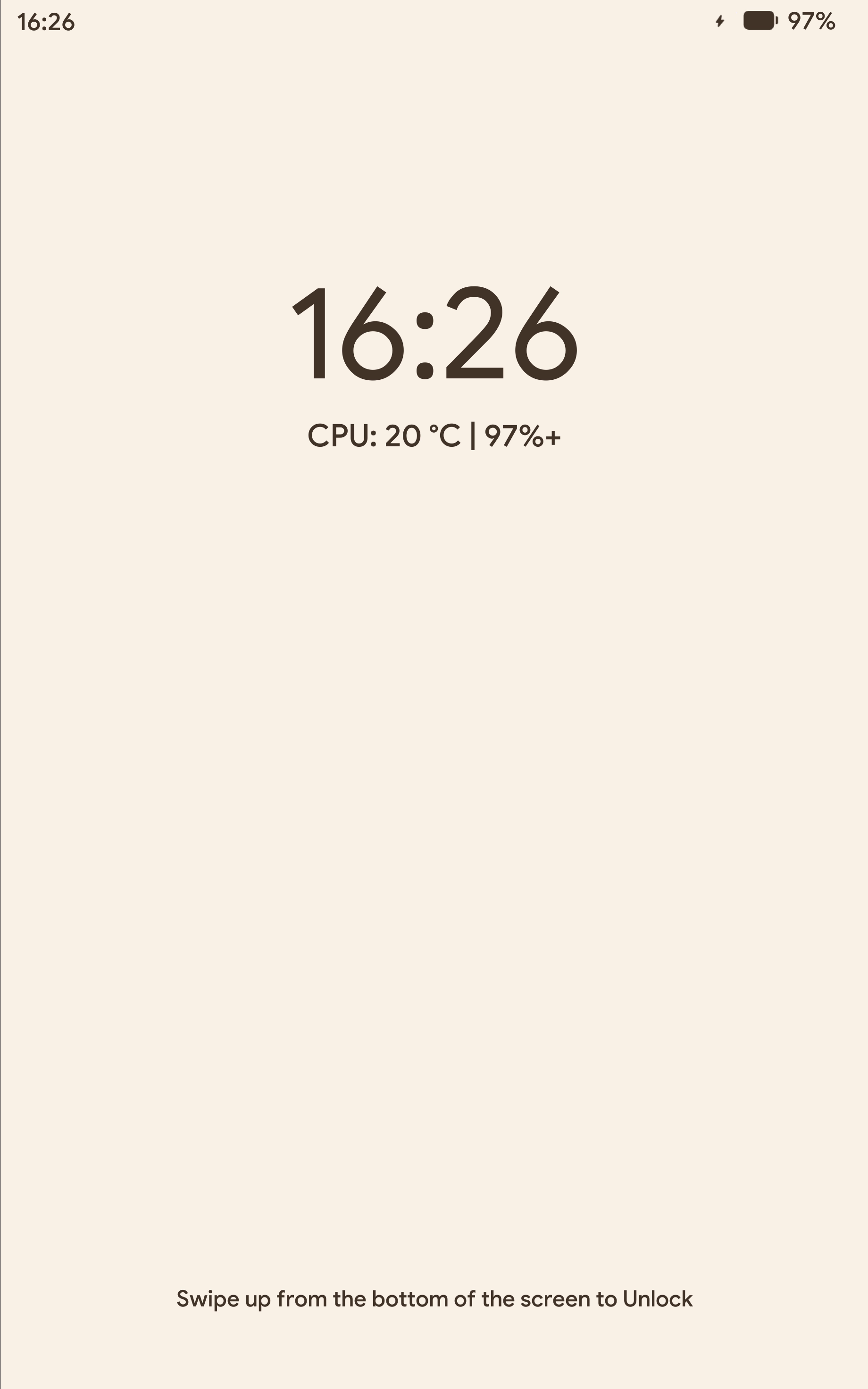
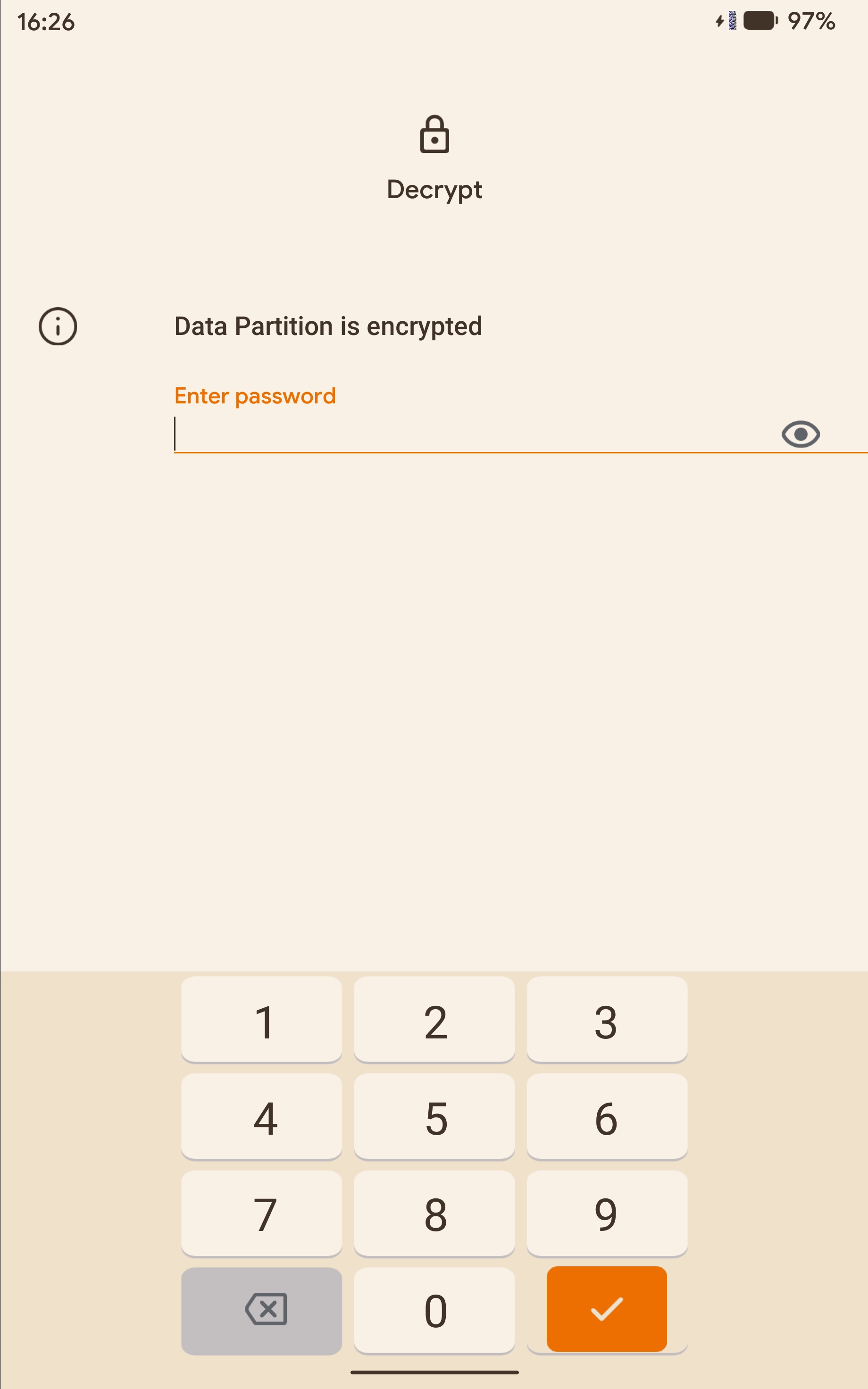
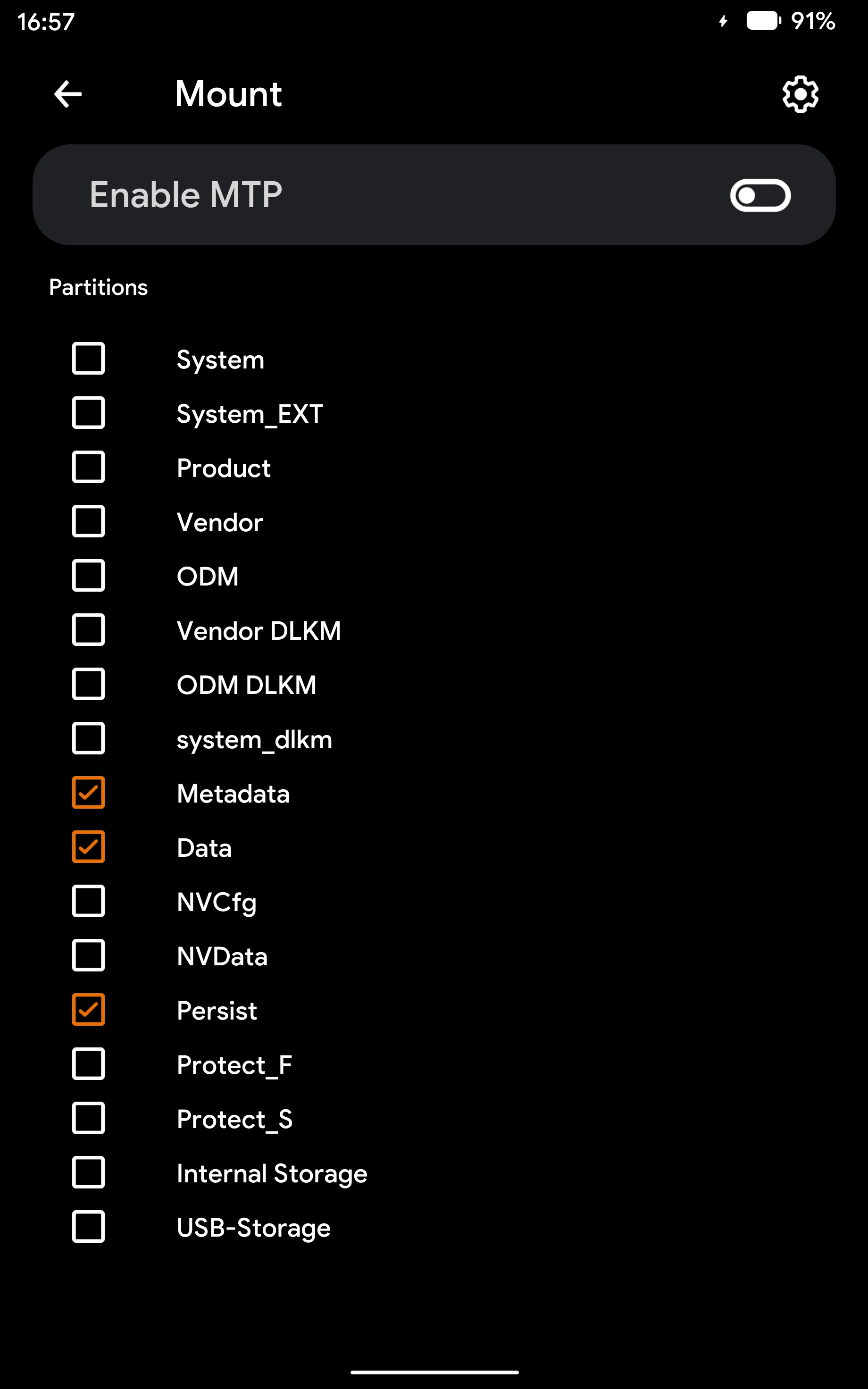
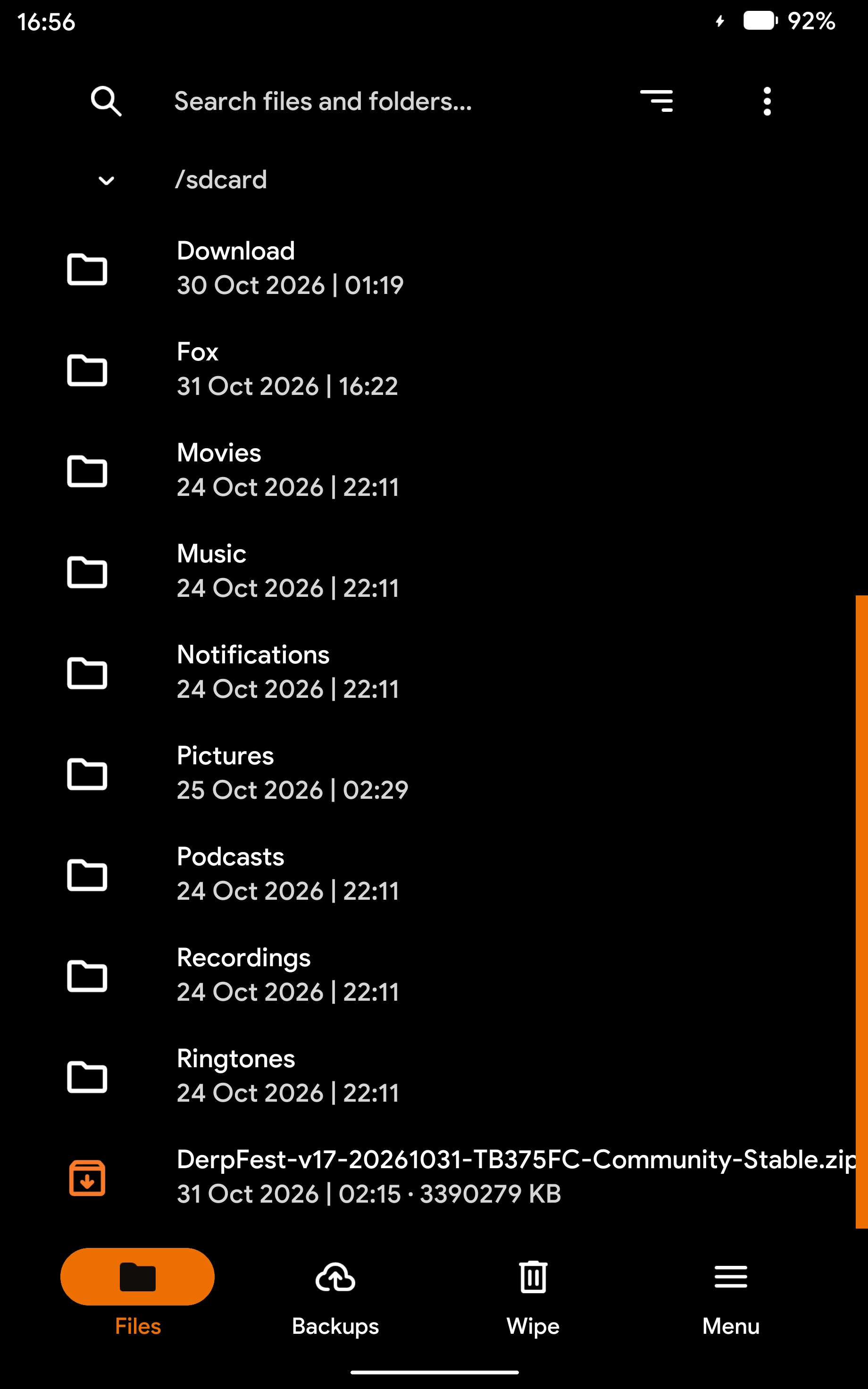
Working Features
- Touch input, hardware buttons and brightness adjustment
- Partition mounting
- FBE data decryption (tested on Android 17)
- ADB sideload and fastbootd
- MTP file transfers
- Backing up and flashing partition images
- Flashing full OTA packages and AnyKernel3 flashable ZIPs
Screenshots
How to Install
If you are already running the DerpFest ROM described above, no separate installation is needed — it is bundled into the ROM and survives OTA updates.
To install it on another ROM, you will need to unpack the vendor_boot partition yourself, replace its ramdisk, then flash it with fastboot and test whether it works.
Advanced users only. This requires a working knowledge of Android platform development. See the release page for details.
Source Code
The device tree for building OrangeFox Recovery for this tablet is on GitHub. It is based on the OrangeFox fox_16.0 branch and can be used to create your own builds.
⚡ The Optimistic Custom Kernel
Optimistic is a custom kernel based on the Android Common Kernel (ACK) android14-6.1 source. It tracks upstream continuously and adds performance improvements and new features while preserving GKI KMI compatibility.
Its guiding principle is simple: track upstream aggressively and ship a complete feature set.
Main Changes
- Compiler optimisations: Neutron Clang (tracking LLVM mainline, Clang 24), ThinLTO whole-kernel link-time optimisation, and native ARMv9 builds (
-march=armv9-a, tuned for Cortex-A715). - Scheduling and I/O: copy prefetching,
clear_page()alignment, a revised idle-CPU scan order, shorter alarmtimer wake-up waits and reduced VFS cache reclaim pressure, drawing on community projects such as XanMod. - Networking: TCP BBR by default, plus ipset, CAKE and additional netfilter targets.
- NTSync: exposes
/dev/ntsync, letting Wine-based compatibility layers such as Winlator run Windows games faster. - DroidSpaces: enables the kernel options needed to run lightweight Linux containers on Android.
- Re:Kernel: notifies userspace when frozen apps receive Binder transactions, signals or network data so they can be unfrozen, for use with app-freezing modules.
- Baseband-guard LSM: stops root processes from writing to partitions outside an allowlist — including
preloader,lkandseccfg— to prevent an accidental flash from hard-bricking the device.
Variants
Each release ships a vanilla build alongside several root-enabled variants, covering both rooted and non-rooted setups.
| Variant | Built-in root | SusFS |
|---|---|---|
| Vanilla | None (install Magisk or another solution yourself) | — |
| KernelSU | tiann/KernelSU | v2.3.0 built in |
| KernelSU Next | KernelSU-Next | Loaded dynamically after boot |
| BakaSU | Baka-SU/BakaSU | v2.3.0 built in |
| SukiSU-Ultra | SukiSU-Ultra | v2.3.0 built in |
| FinaSU | LyraVoid/FinaSU | v2.3.0 built in |
The kernel has been tested on DerpFest v17 (Android 17). In theory it should work with any ROM for this device.
Download & Installation
The kernel is built with GitHub Actions. Grab a build from the release page.
If you are running my DerpFest v17 ROM (with OrangeFox Recovery installed), download the matching AnyKernel3 package, reboot into OrangeFox Recovery, then select and flash it.
If your ROM has no custom recovery, obtain root and flash the kernel from within Android using a third-party tool such as Kernel Flasher Fork or Bolt. Advanced users can also use magiskboot to swap the kernel in the ROM’s boot.img, then flash it with fastboot.
Source Code
Both the modified kernel source and the build workflows are on GitHub, so you can build your own kernel.
🙏 Acknowledgements
- Jamie Macgregor (LosSantosPro): the original Android 16 device tree and vendor tree, where this entire project began.
- DillerOFire: publicly shared fixes for Dolby audio and the folio keyboard.
- hirero-exists: the design reference for the built-in device settings service.
- Early testers: @奋斗吧ぬ骚年 (the Wi-Fi fix approach), @Nana_mi (the dock offset), and every Coolapk user who sent feedback — much of the bug hunting came straight from your analysis.
- Upstream communities: DerpFest, LineageOS, OrangeFox, the Android Common Kernel, and the authors of the open-source projects referenced in this article.
- Lenovo: for releasing the source of its GPLv2 components, which lets most of this device’s components keep pace with mainline fixes.
💬 Contact





📚 Related Links
- Coolapk: DerpFest (Android 17) for the Lenovo Xiaoxin Pad Pro 12.7 2025 (TB375FC) — update thread
- Coolapk: Optimistic GKI 6.1 kernel release thread
- Complete Guide to Unlocking the Bootloader and Flashing the Global ROM
- OrangeFox Recovery Device Tree
- Optimistic GKI Kernel Builder
- DerpFest Community OTA Metadata
- Device Tree / Vendor Tree
- Official Google GKI android14-6.1 Builds